
Just got an electric adjustable bed and the child‑lock button feels mysterious? In the next few minutes we’ll walk you through unlocking the lock, getting the remote back online, and handling the Aussie power quirks so you can sleep safely.
Step 1: Activate and Deactivate the Child‑Lock Feature
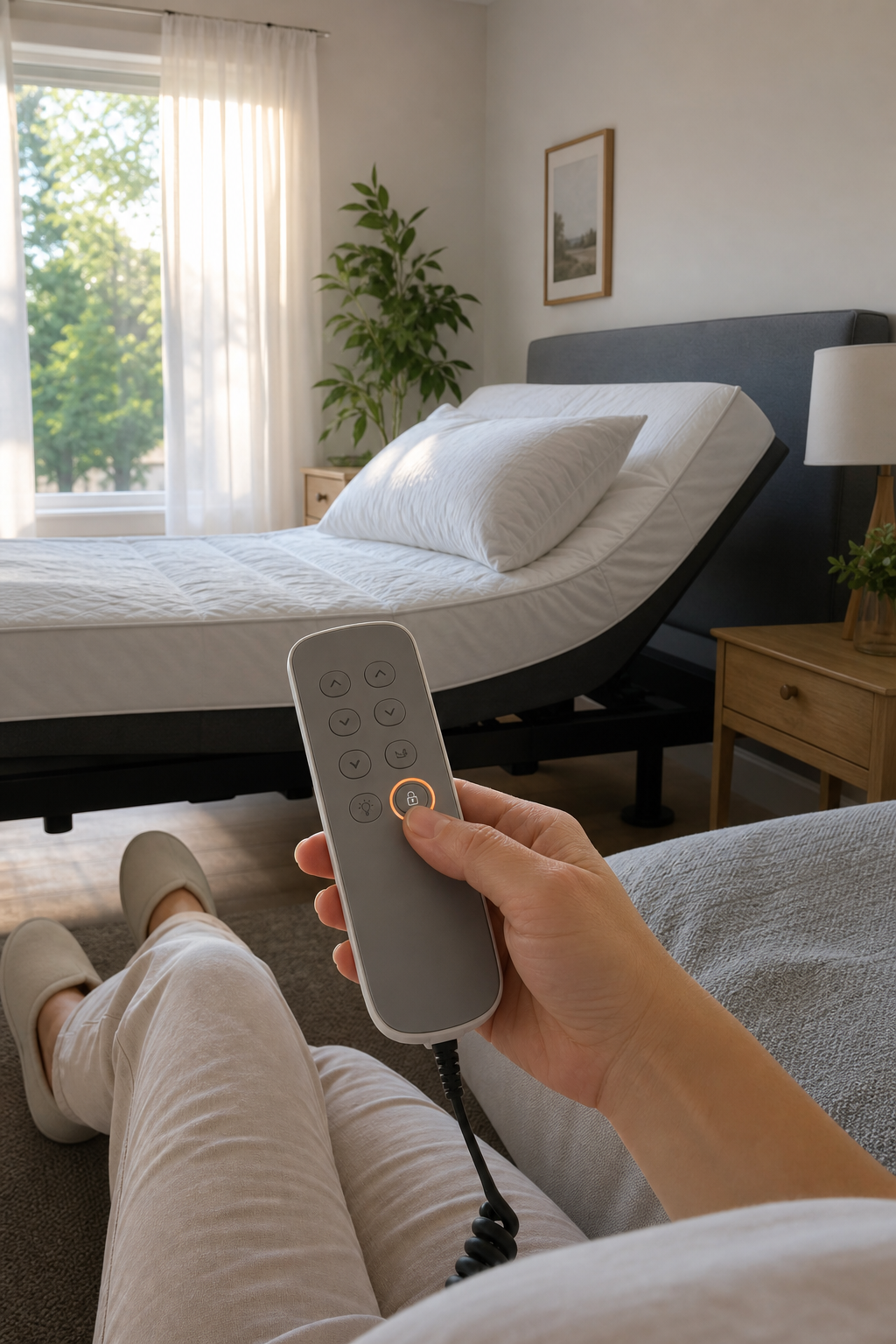
The child‑lock keeps the head and foot controls from moving when it’s on. To lock, press and hold the head‑up and foot‑up buttons together for about three seconds; the lock icon on the remote will flash. To unlock, repeat the same press‑hold motion until the icon disappears.
Most Australian bases use a red LED to show the lock status. If the light stays steady, the lock didn’t register , try a shorter press or check the battery.
Sleep Sophie’s models include a dedicated lock indicator on the side panel, which makes it easy for caregivers to see at a glance.
When you first power up the bed, make sure the remote’s battery is fresh; a weak cell can cause the lock signal to miss.
For Australian safety standards, refer to the relevant national electrical compliance guidelines.
Step 2: Master the Remote Control – Basics, Troubleshooting & Reset
The remote talks to the base via a low‑frequency radio. Press the power button; a green LED means the base is receiving a signal.
If nothing moves, first check that the remote’s battery compartment is sealed. A loose cover can break the antenna.
Next, try a hard reset: unplug the base, wait 60 seconds, then plug it back in. The control module will flash blue, indicating pairing mode.
While the base flashes, hold the pairing button on the back of the remote for a couple of seconds. You should see the remote’s LED blink three times , that means it’s paired again.
For deeper troubleshooting, the Wikipedia page on adjustable beds explains common radio‑frequency issues.
Once the remote responds, test each function , head up, head down, foot up, foot down , to confirm the signal path.
Step 3: Power Supply Checks and Base Reset Procedures
Australian homes run on 230‑240 V, 50 Hz. Plug the base directly into a wall outlet; avoid power strips that can filter the signal.
Inspect the power cord for cuts or kinks. A damaged cord can cause intermittent loss of power, which often looks like a locked base.
If the base doesn’t power up, locate the power‑module on the underside of the frame. A green LED indicates live power. No light? Use a multimeter to confirm voltage at the socket.
When you’ve confirmed voltage, perform a base reset: press the zero‑gravity button (if present) and hold for five seconds. The motor will run through a full cycle and return to its home position, clearing any stuck commands.
Sleep Sophie’s warranty covers motor resets, and the company offers a five‑year parts guarantee.
Step 4: Using Smartphone Apps & Bluetooth Controls (Australian Brands)
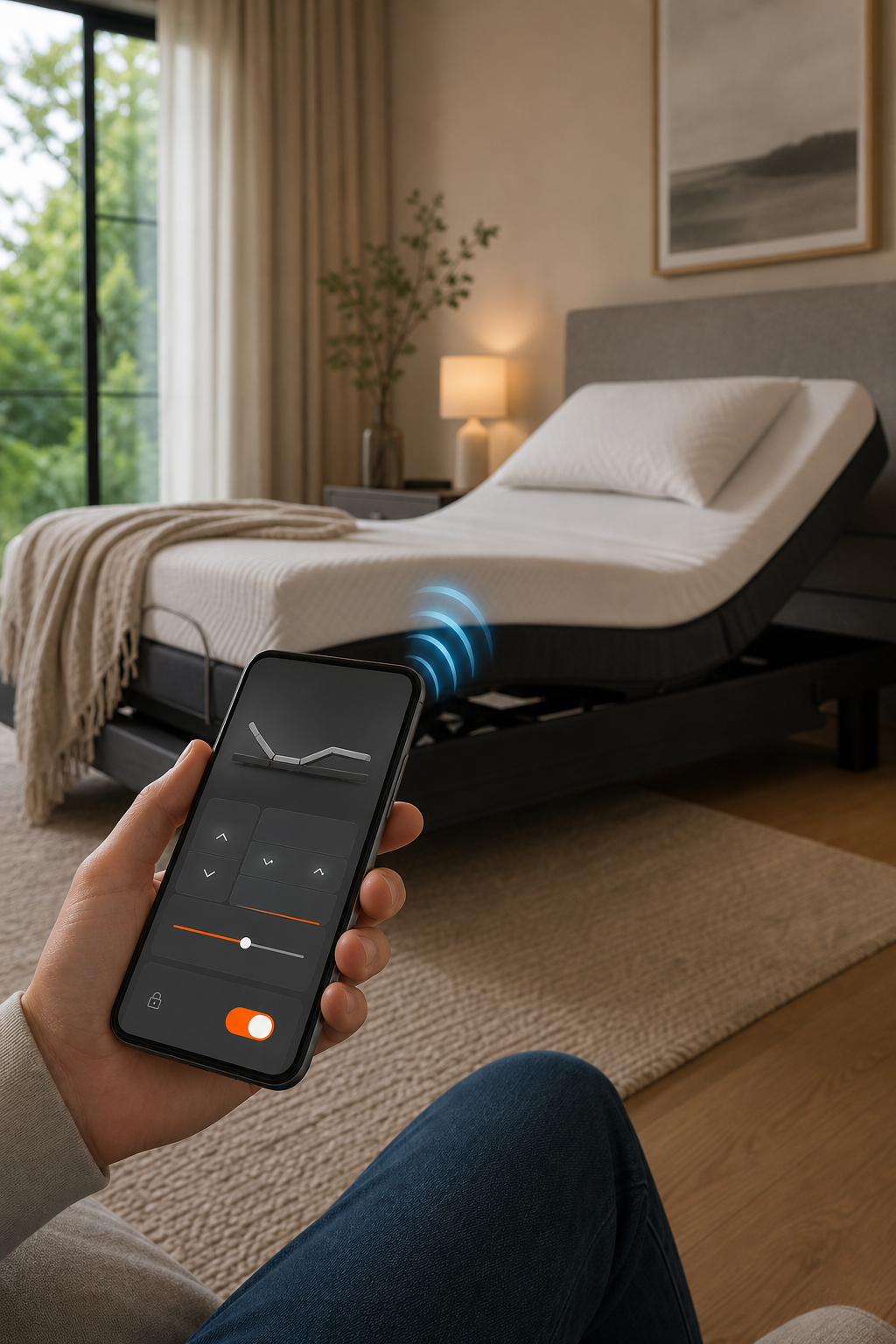
Many newer models pair with a free app. Download the official Sleep Sophie app from the App Store or Google Play.
Open the app, tap “Add New Bed,” and let it scan. Hold the remote within a foot of the base; the Bluetooth signal is strongest at close range.
When the bed appears in the list, select it and enter the four‑digit code shown on the bedside panel. The app will confirm a green check mark.
If pairing fails, toggle your phone’s Wi‑Fi off and on, then repeat the scan. Interference from other smart devices is the most common hiccup.
For families who also need posture support, there are guides offering complementary osteopathic exercises.
Step 5: Compare Top Australian Models with Child Lock – Features, Noise, Warranty & Power Options
Below is a side‑by‑side view of the most popular Australian bases that include a child‑lock. Sleep Sophie leads on warranty length and quiet‑motor design.
Sleep Sophie’s Luxe model stays under 36 dB, which is quieter than most competitors, a real plus for light sleepers.
All four bases meet Australian electrical safety certifications, but only Sleep Sophie lists a built‑in 9‑V battery backup for emergency power.
When choosing, weigh noise level against warranty length; a quieter motor often means higher‑grade components that last longer.
For more on what to look for, see What Are the Advantages of an Electric Adjustable Bed?
FAQ
How do I know if the child lock is engaged?
The lock icon on the remote will flash red when active; the base’s LED will stay solid red as well.
Can I use the remote if the batteries are low?
Low batteries can prevent the lock signal from reaching the base, so replace them with fresh AA cells before troubleshooting.
Is the Bluetooth app safe for children?
The app requires a four‑digit code that only adults should set; once paired, children can’t change settings without the code.
What should I do during a power outage?
Plug the 9‑V battery pack into the power module; the bed will operate at reduced speed until mains power returns.
Do I need a special outlet for the bed?
A standard 240 V Australian wall socket works fine; just avoid surge‑protected strips that can block the signal.
Can I adjust the head and foot independently while the child lock is on?
No, the lock disables all movement until you unlock it using the button combo described in Step 1.
Conclusion
For Australian families, Sleep Sophie’s Luxe model offers the most reliable child‑lock, quiet operation, and backup power. Install the bed, follow the step‑by‑step checks above, and you’ll have a safe, comfortable sleep setup in no time.